Documents
Documents are saved insights created and managed by the AMALYTIX Chat Agent. You can permanently store analyses, research results, optimization notes, and other content. During conversations, you can ask the AI Chat to save documents in the Documents section.
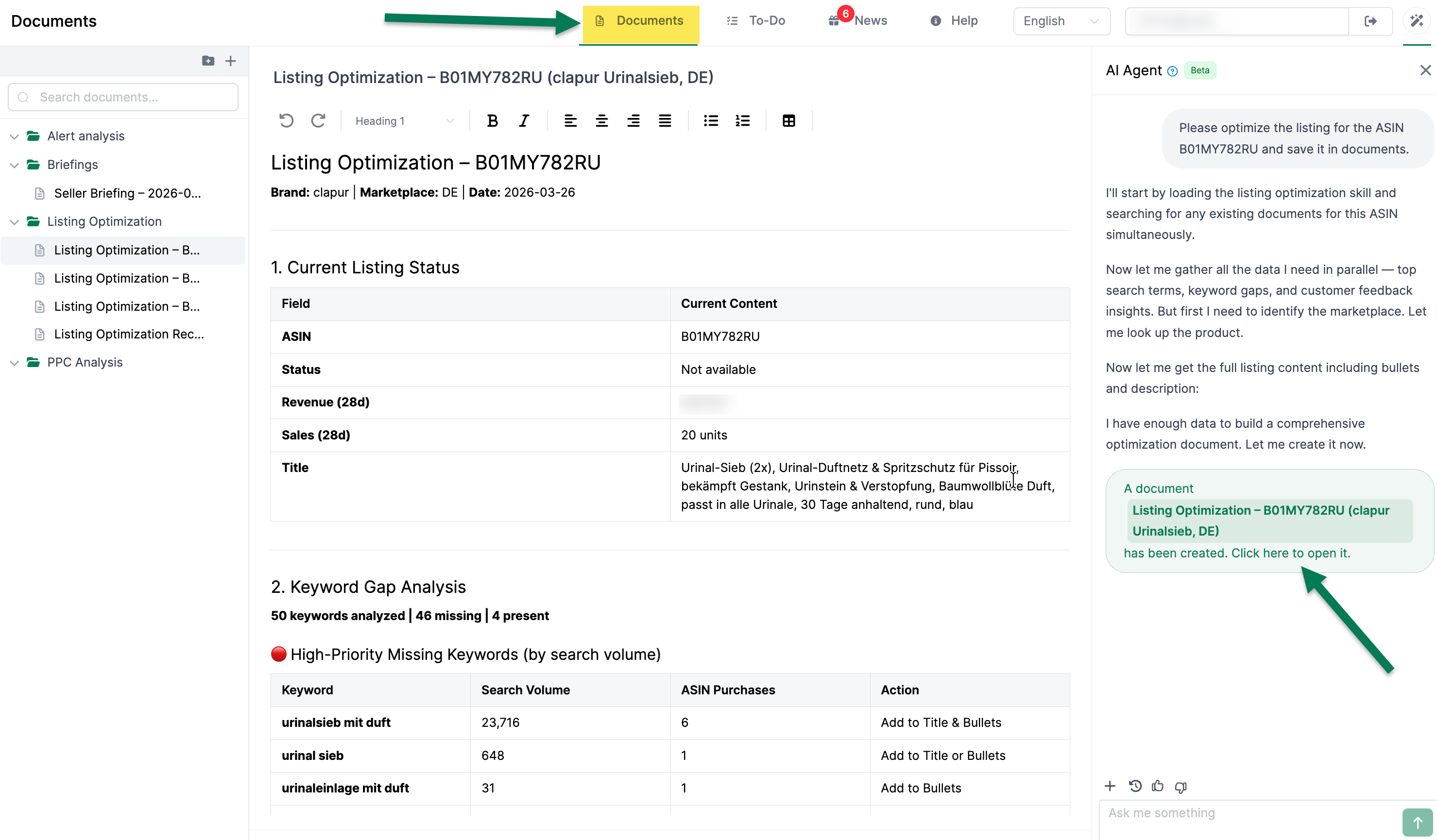
Creating Documents
The Chat Agent creates documents automatically when you ask. You can also create new documents directly in the document management interface. The agent can also create folders for you and store documents in existing folders.
Examples:
- “Create a competitive analysis for my product and save it as a document”
- “Summarize the PPC results and create a document”
- “Create a document with the most important keyword opportunities”
Documents are saved in Markdown format and support headings, lists, tables, and code blocks.
Folders
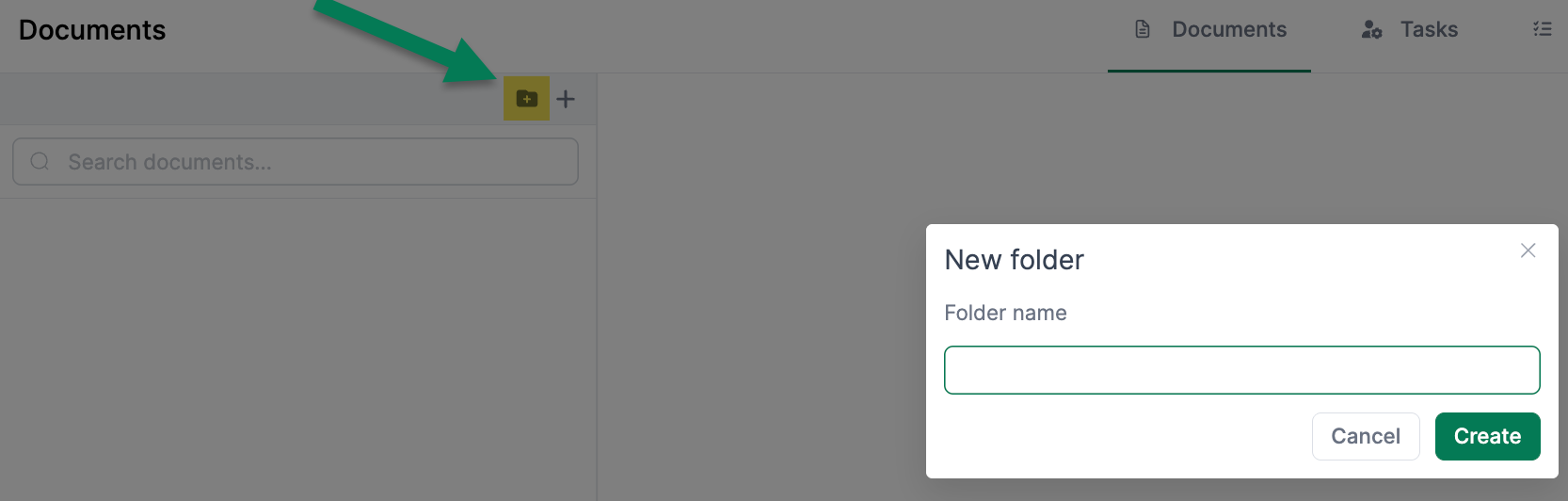
Organize your documents in folders and subfolders for a clear structure:
- Create thematic folders (e.g., “Analyses”, “Optimizations”, “Reports”)
- Move documents between folders
- Create nested folder hierarchies
Searching Documents
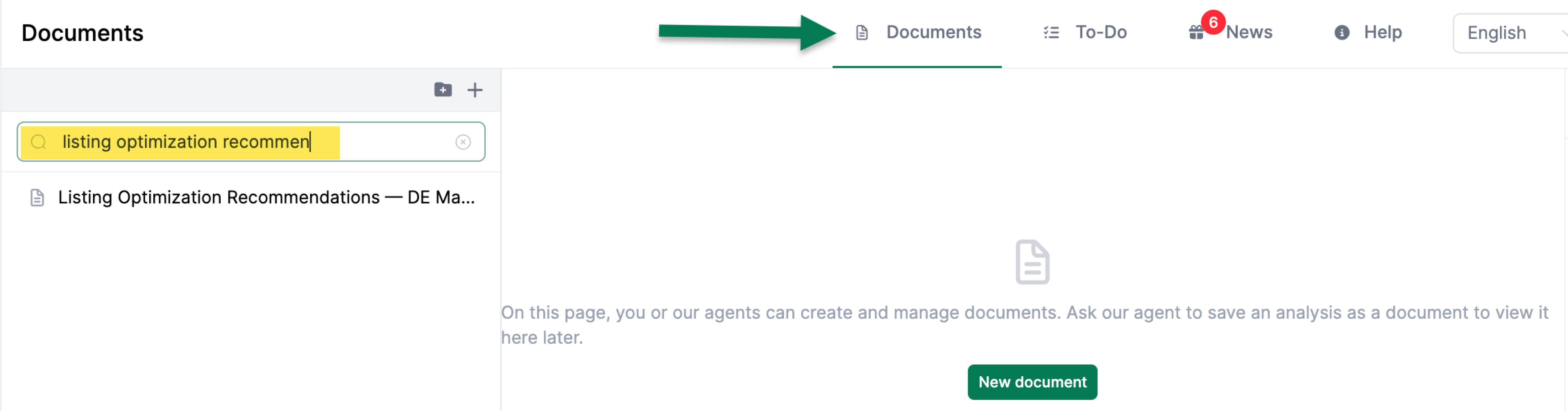
Use the search function to find documents by title or content. The search goes through all your documents and delivers instant results.
Typical Use Cases
Documents are ideal for storing the following information:
- Competitive analyses — Permanently store Competitive Intelligence results
- Listing optimization notes — Record improvement suggestions for later implementation
- Performance reports — Regular summaries of business development
- Keyword research — Document researched keywords and strategies
- PPC audit results — Save campaign analyses for follow-up