Amazon Images
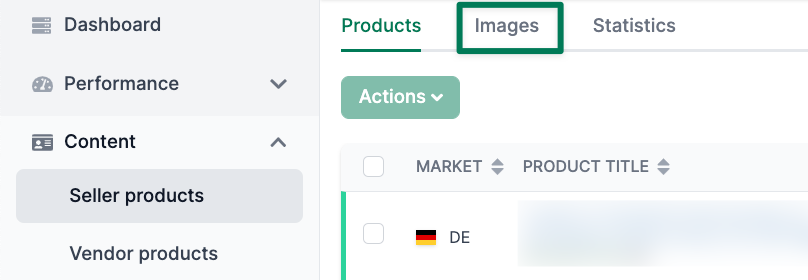
Click “Images” in the upper column.
You will get an overview where you can see the different images stored with your products.
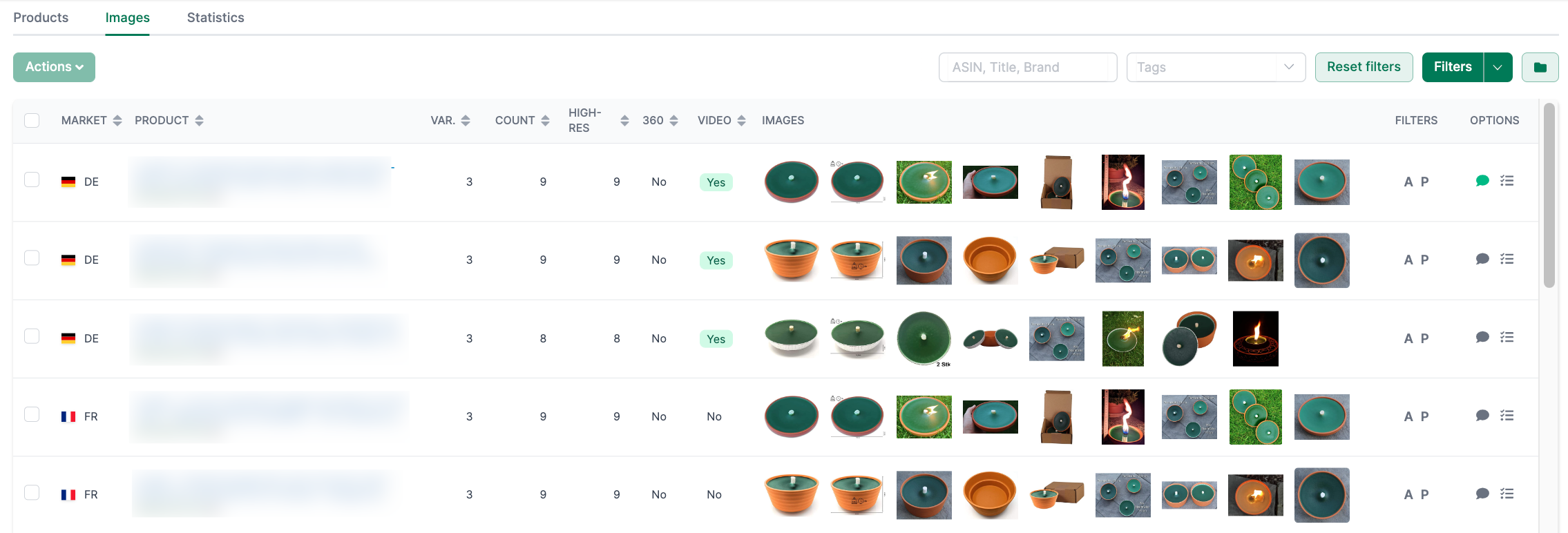
With the help of this overview, you can derive the following insights:
- Does a product family have the same images?
- Does a single product have the same images across all markets?
- Which products do not have product images in sufficient resolution?
In the row of the respective product, you will find two buttons on the far right labeled “A” and “P.”
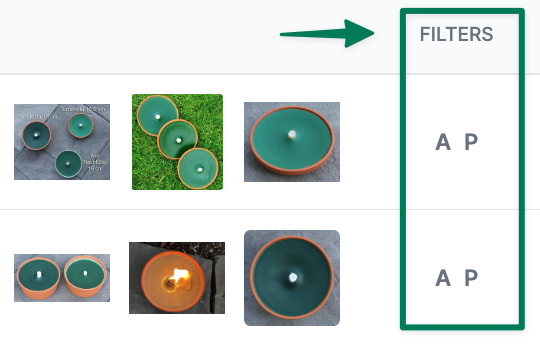
- Click “A” to filter by the Child ASIN
- Click “P” to filter by the Parent ASIN This allows you to quickly reduce the search results to the respective group.
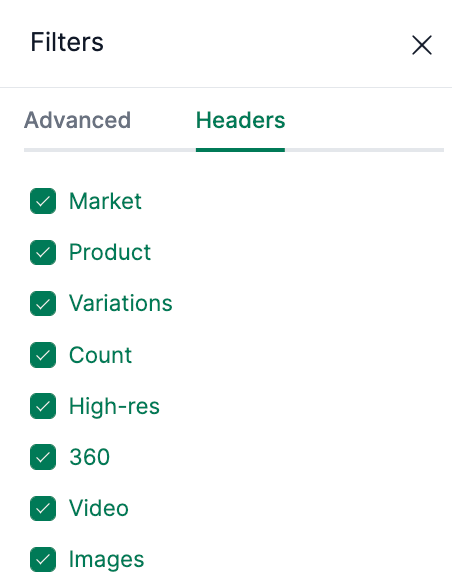
You can customize all columns. To do this, open the filter and go to the “Columns” tab. Save the view as a new filter to open it at any time with two clicks.