Issues
Click Issues in the upper navigation.
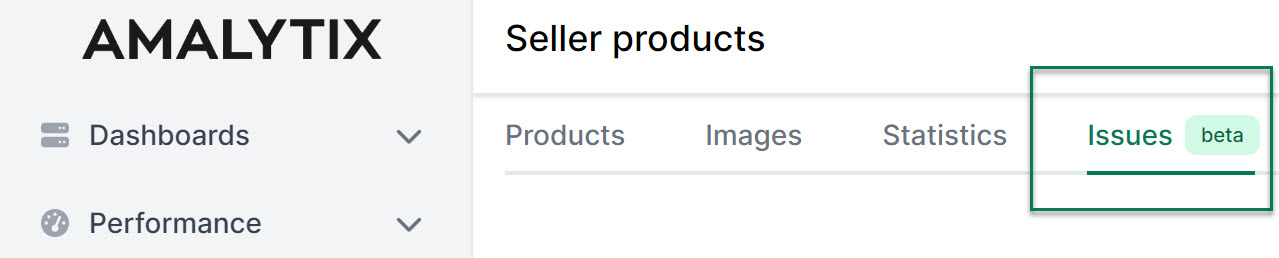
You will be taken to an overview listing all problems affecting your products. This view helps you quickly identify the most important optimization opportunities.
We distinguish between 3 severity levels:
- Errors: Most serious. Include, for example, loss of Buybox or listing mistakes.
- Warnings: Medium priority. For example, low product availability.
- Notices: Low priority. Usually refer to optional optimizations.
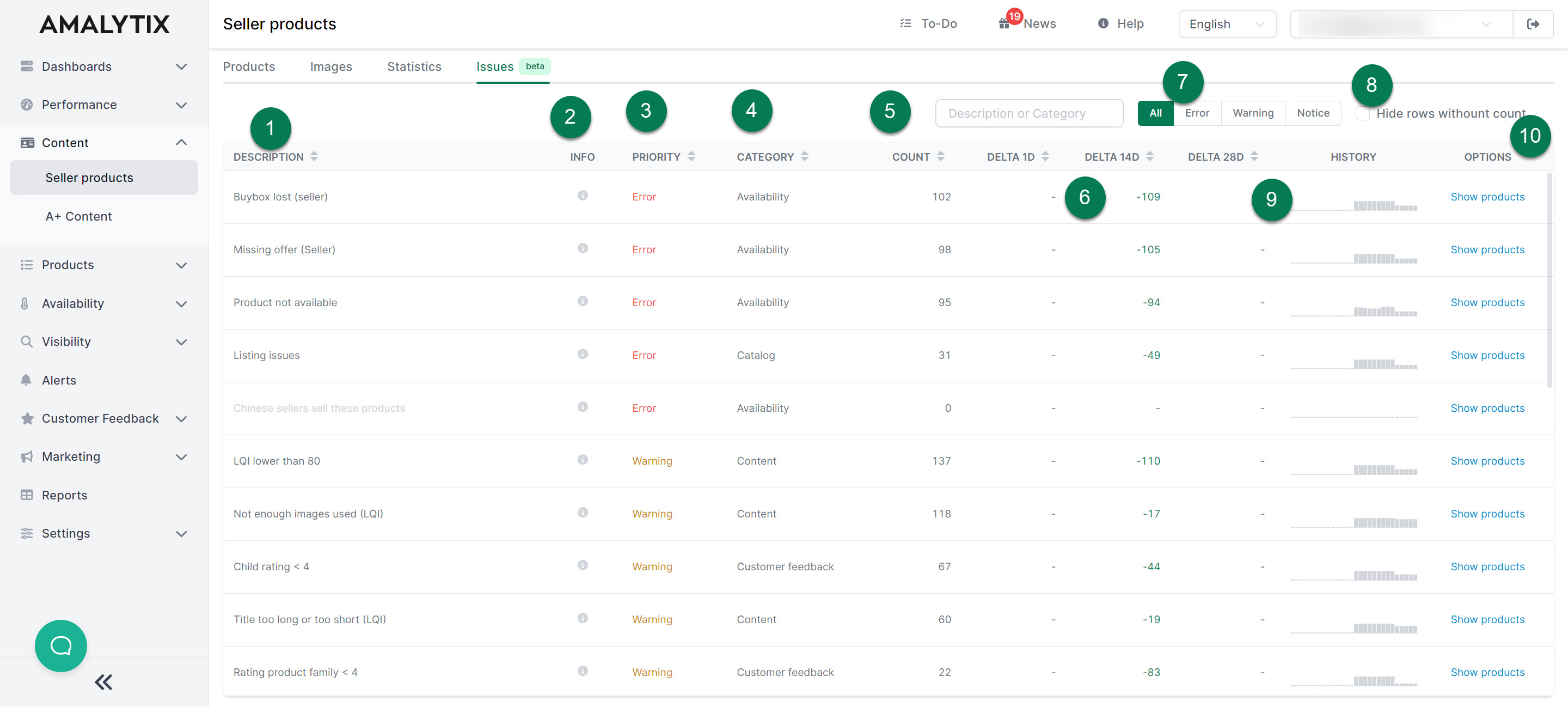
Here is an overview of the Issues page:
- Problem: A brief description of the issue.
- Info: Hover over the info symbol for more details about the problem.
- Priority: The severity of the problem (error, warning, or notice).
- Category: Which category the error falls under.
- Count: The number of products affected by this issue.
- Delta: Shows the change in the number of affected products (difference to yesterday, 14 days ago, and 28 days ago).
- Filter: Filter by severity to focus on the most important problems.
- Hide: Hide problems with 0 affected products.
- History: Shows the number of affected products over the past 28 days as a bar chart to track trends.
- Options: View the affected products directly.