Statistics
Go back to the Seller Products page and click on Statistics.
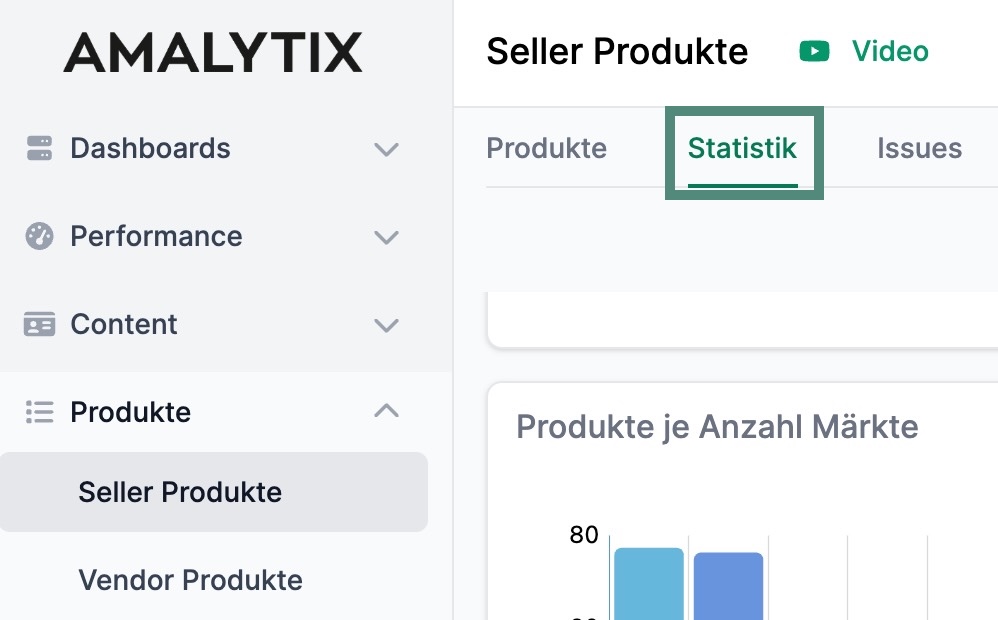You will get to an overview where you can see various statistics about your products.
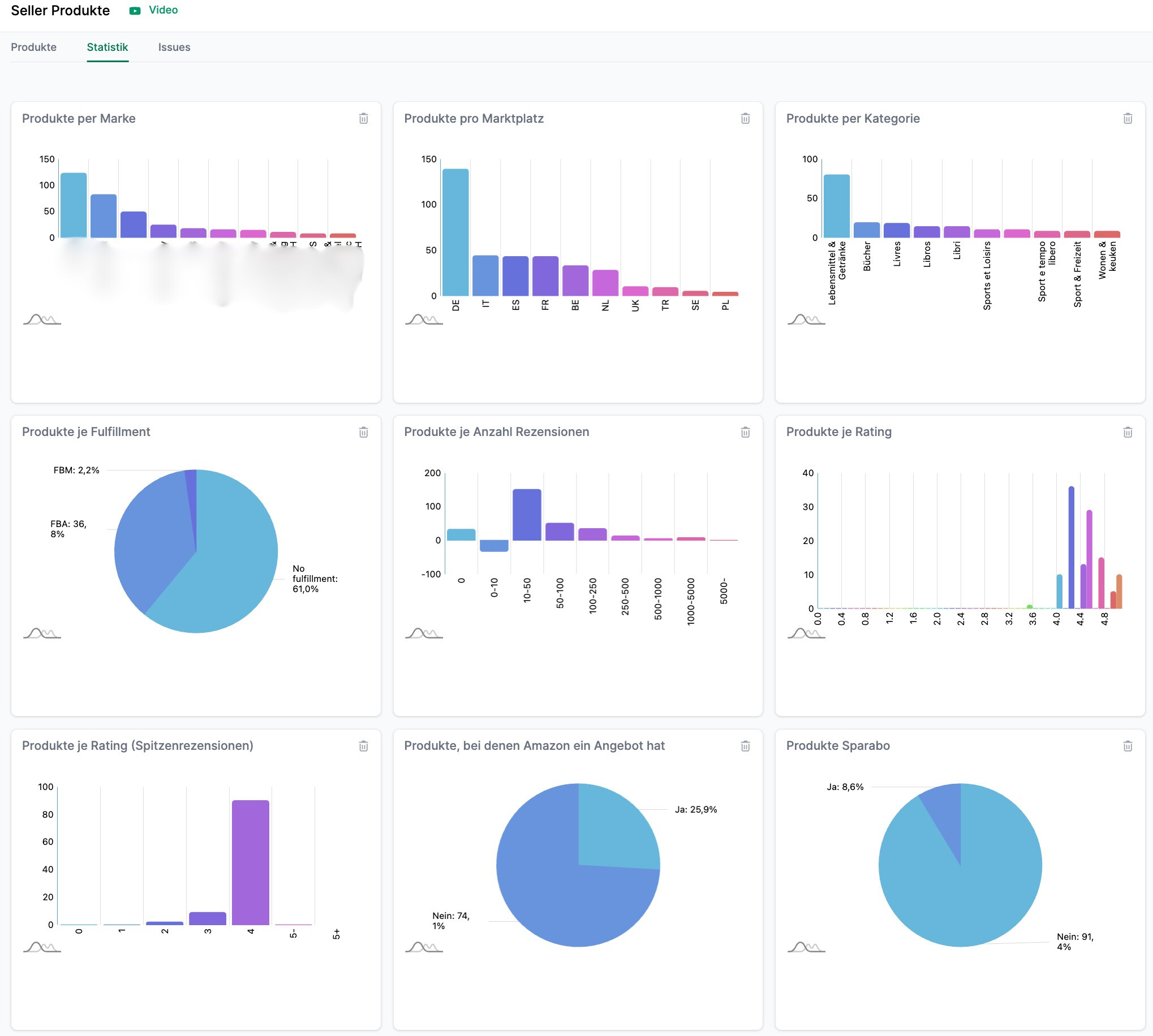With the help of the statistics you can see:
- The number of products per brand
- The number of products per marketplace
- The number of products per category
- The number of products per number of reviews
- The number of products per rating and top reviews
- The percentage of products for which Amazon has an offer
- The number of products per replenishment code
- The share of products that can be ordered via Subscribe & Save
- The number of products per number of markets
- The number of products with a minimum order quantity
- The percentage of products with coupons
- The percentage of products with an offer price
- The revenues per brand
- The revenues per category
- The revenues per marketplace
- The share of products per status (available or unavailable)
- The share of products that have the Buybox (Seller, Amazon, Other)