Watchlist
With the AMALYTIX Watchlist, you can monitor any products on Amazon - including those that do not belong to your own portfolio. This allows you to track your competitors and be notified immediately when something changes with their products.
What is the Watchlist for?
The Watchlist is your tool for competitive intelligence:
- Track prices: See how your competitors’ prices develop over time
- Detect content changes: Are titles, images, or descriptions being updated?
- Understand market trends: Analyze sales estimates and bestseller ranks
- Monitor sellers: Who is selling on your competitors’ listings?
The four views of the Watchlist
The Watchlist offers four different perspectives on your monitored products:
| Tab | Description |
|---|---|
| Products | Overview with price, sales, and availability data |
| Content | Focus on listing content (title, bullets, description, A+) |
| Images | Image gallery of all product images |
| Statistics | Charts and key metrics |
Adding products to the Watchlist
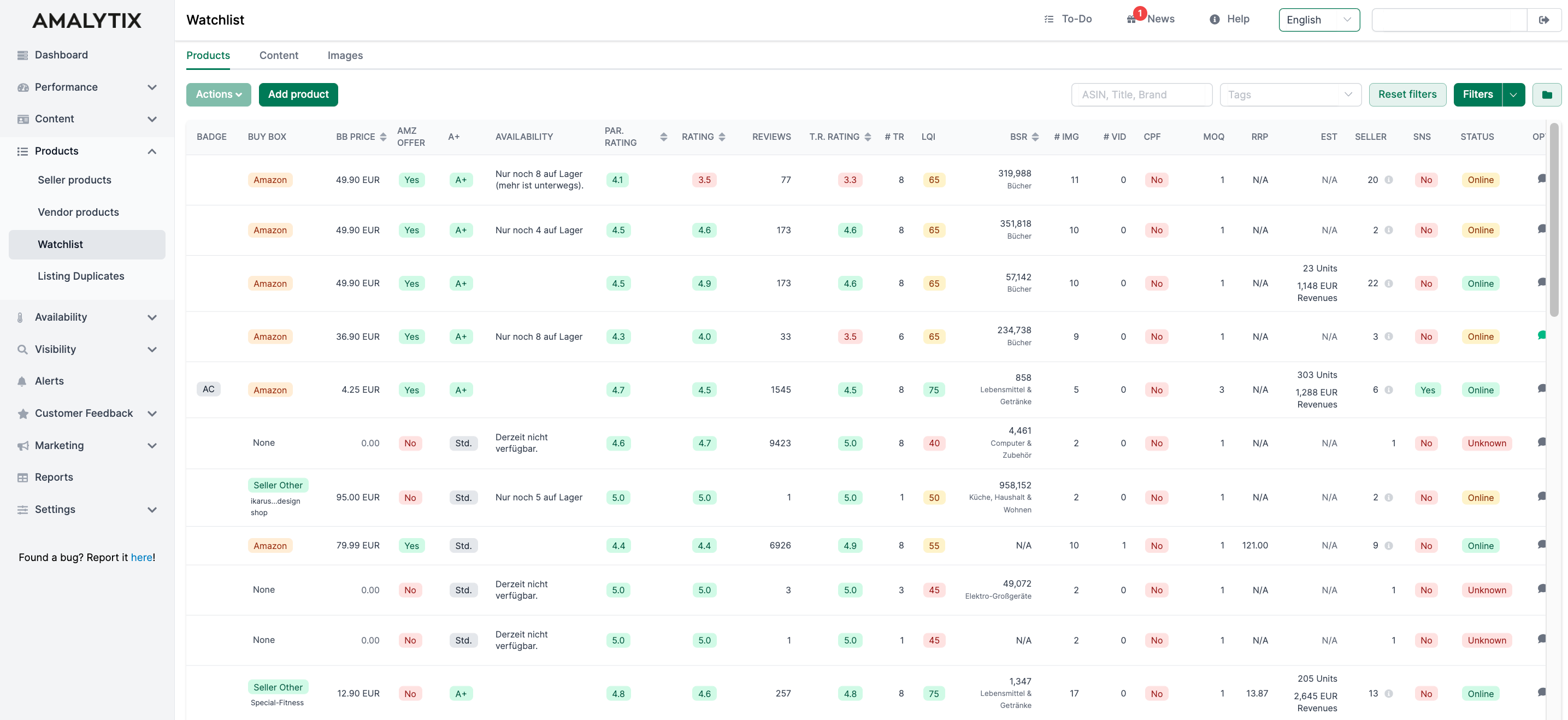
To add new products, click Add products:
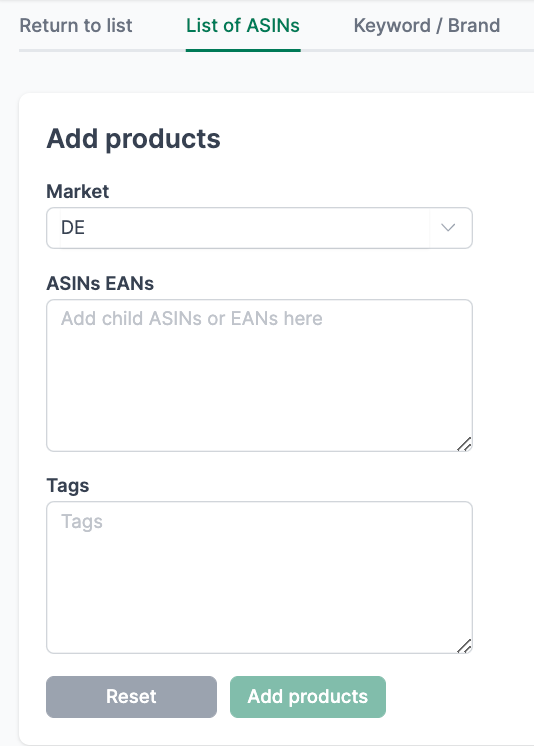
Option 1: ASIN/EAN list
Enter the ASINs or EAN numbers of the products you want to monitor - one per line.
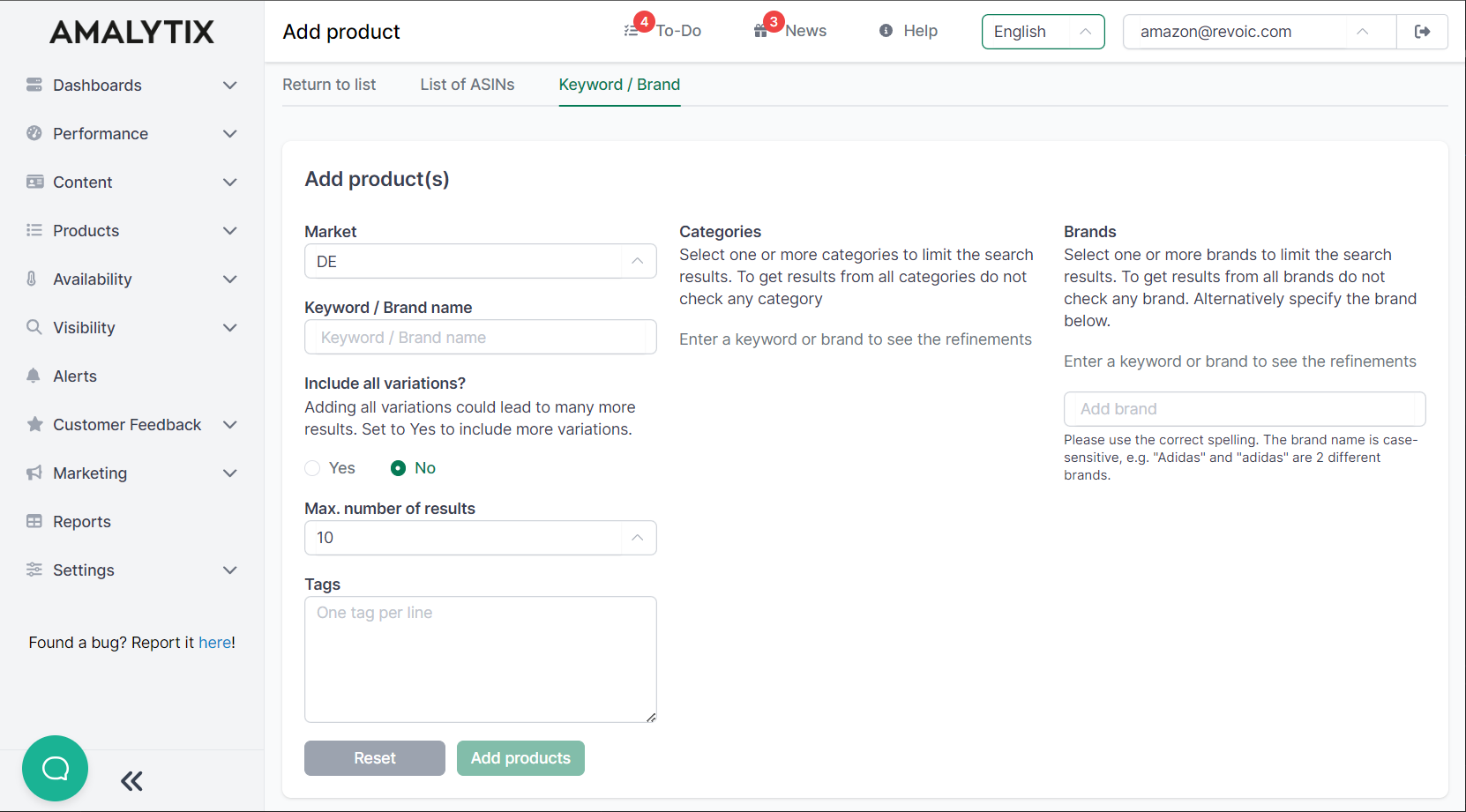
Option 2: Keyword/Brand
Search for products by keywords or brand names. You can further narrow down the search:
- Categories: Search only in specific Amazon categories
- Brands: Consider only specific brands
- Variations: Add all variations of a product
What does the product overview show?
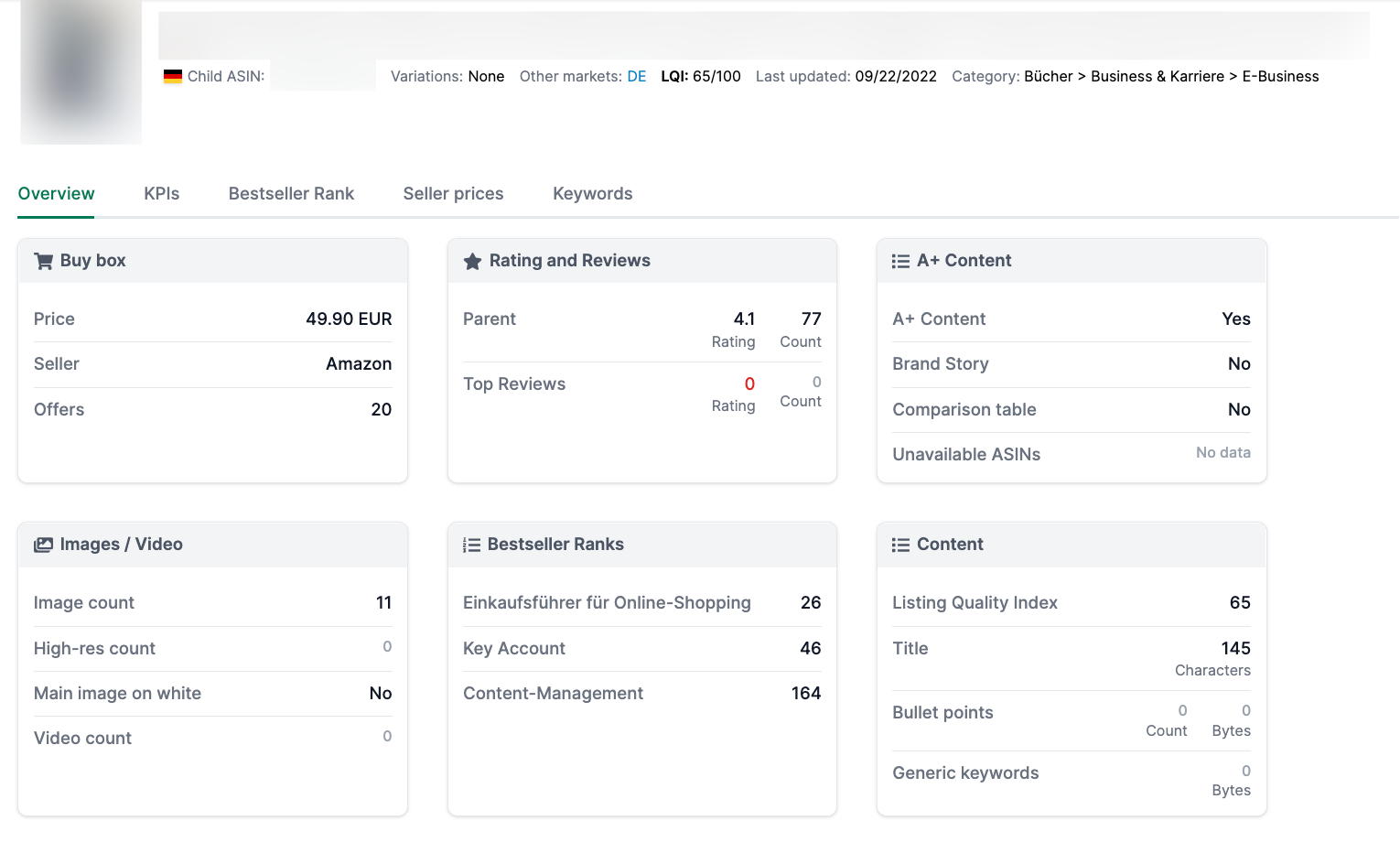
For each product on your Watchlist, you can see important metrics at a glance:
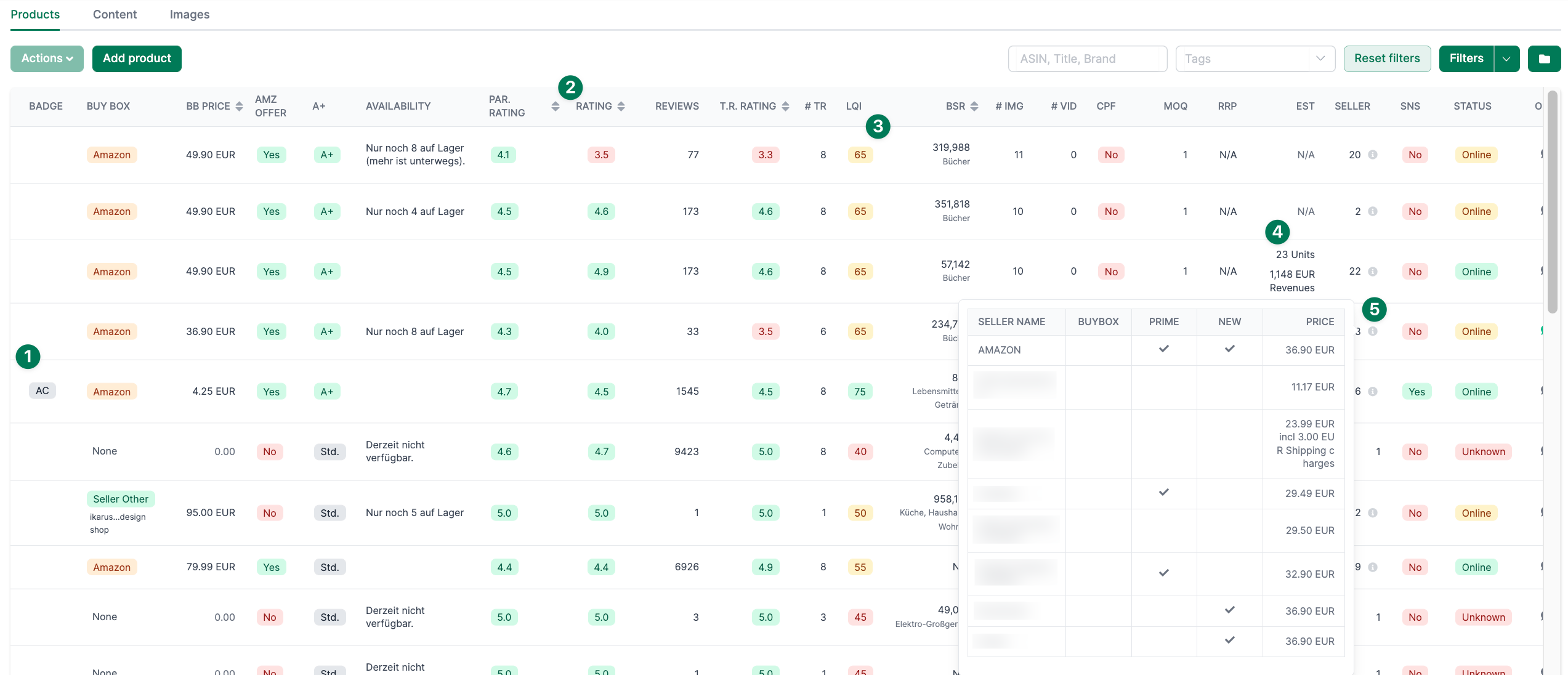
- Badges: Amazon Choice or Bestseller Badge
- Rating: Product rating (Amazon average and actual average)
- Sales estimate: Estimated sales and revenue for the last 30 days
- Sellers: Overview of sellers on the listing (hover over the info icon)
- LQI: Listing Quality Index - how well is the listing optimized?
With a click on the product title, you will get to the detail page:
Organizing products with Tags
Use Tags to structure your Watchlist according to your needs:
- Group competitors by category
- Assign products to specific team members
- Mark new entries
- Set priorities
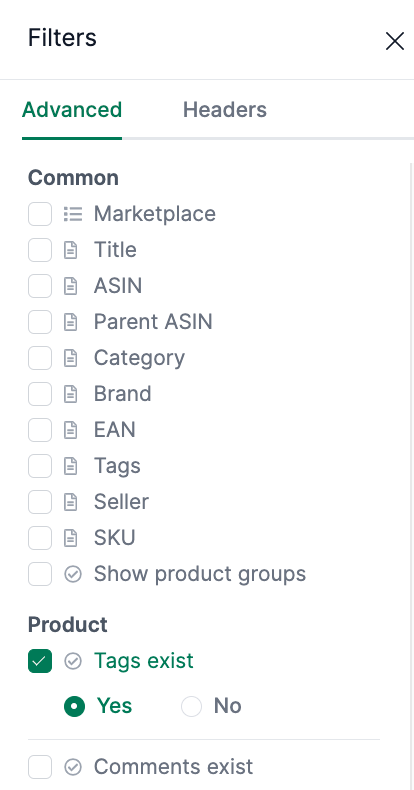
Watch this video to see how tags work:
Assigning Tags
- Single: Open the expanded view and click the + sign
- Multiple: Select multiple products and use Actions / Add tags
You can also assign tags to several products at once by selecting the products in the left columns and choosing Actions / Add / Remove tags.
Listing Quality Index (LQI)
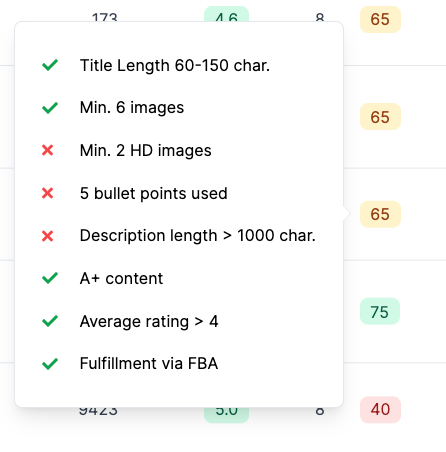
The LQI evaluates the quality of a listing on a scale from 0 to 100:
| Criterion | Points |
|---|---|
| Title length 60-150 characters | 10 |
| At least 6 images | 15 |
| At least 2 high-resolution images | 10 |
| All 5 bullet points filled | 15 |
| Bullet points under 1,000 bytes | 10 |
| Description 1,000+ characters OR A+ content | 10 |
| Rating 4+ stars | 15 |
| FBA shipping | 15 |
The LQI helps you identify which competitors have well-optimized listings - and where you still have room for improvement.
Multiple operations
Select multiple products and use the Actions menu for bulk operations:
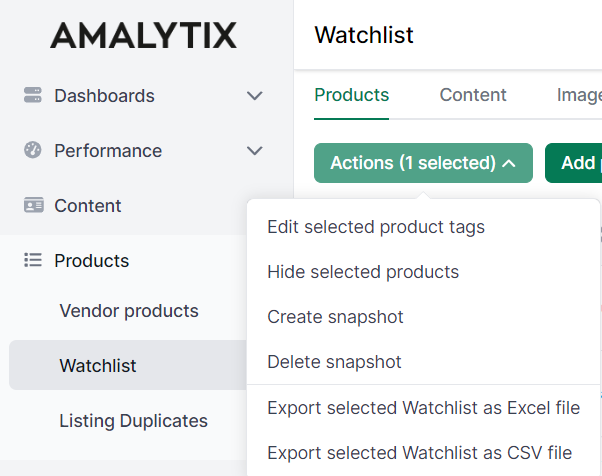
- Add or remove tags
- Copy ASINs
- Hide products
Setting up Alerts
Get notified when something changes with your Watchlist products:
Price Alerts:
Buy Box Alerts:
- Amazon lost the Buybox
- Amazon won the Buybox
Seller Alerts:
Book Alerts:
- Book not available
- Book description not available
- Book description (short) changed
- Book table of content not available
Go to Settings / Alerts to activate one or more of these alerts.
Exporting reports
Export Watchlist data as Excel reports:
Watchlist Products Report (long)
- All public product information including bullets and description
- For Seller and Vendor
Watchlist Products Report (short)
- Compact product overview
- For Seller and Vendor
Seller Prices (Watchlist)
- Daily price history of sellers
- Available from the Large plan onwards
- Activation required under Settings / Other
Column overview of the reports:
Related features
- Product Detail Page - Detailed single product analysis
- Seller Products - Your own Seller products
- Vendor Products - Your own Vendor products
- Books on Amazon - Special features for book products