Reports - Export Your Amazon Data
The Reports feature in AMALYTIX lets you export all your Amazon data as CSV files. This allows you to analyze your data in Excel, Google Sheets, or other tools for custom reporting and deeper insights.
How to create or schedule reports is briefly described in this video:
Overview
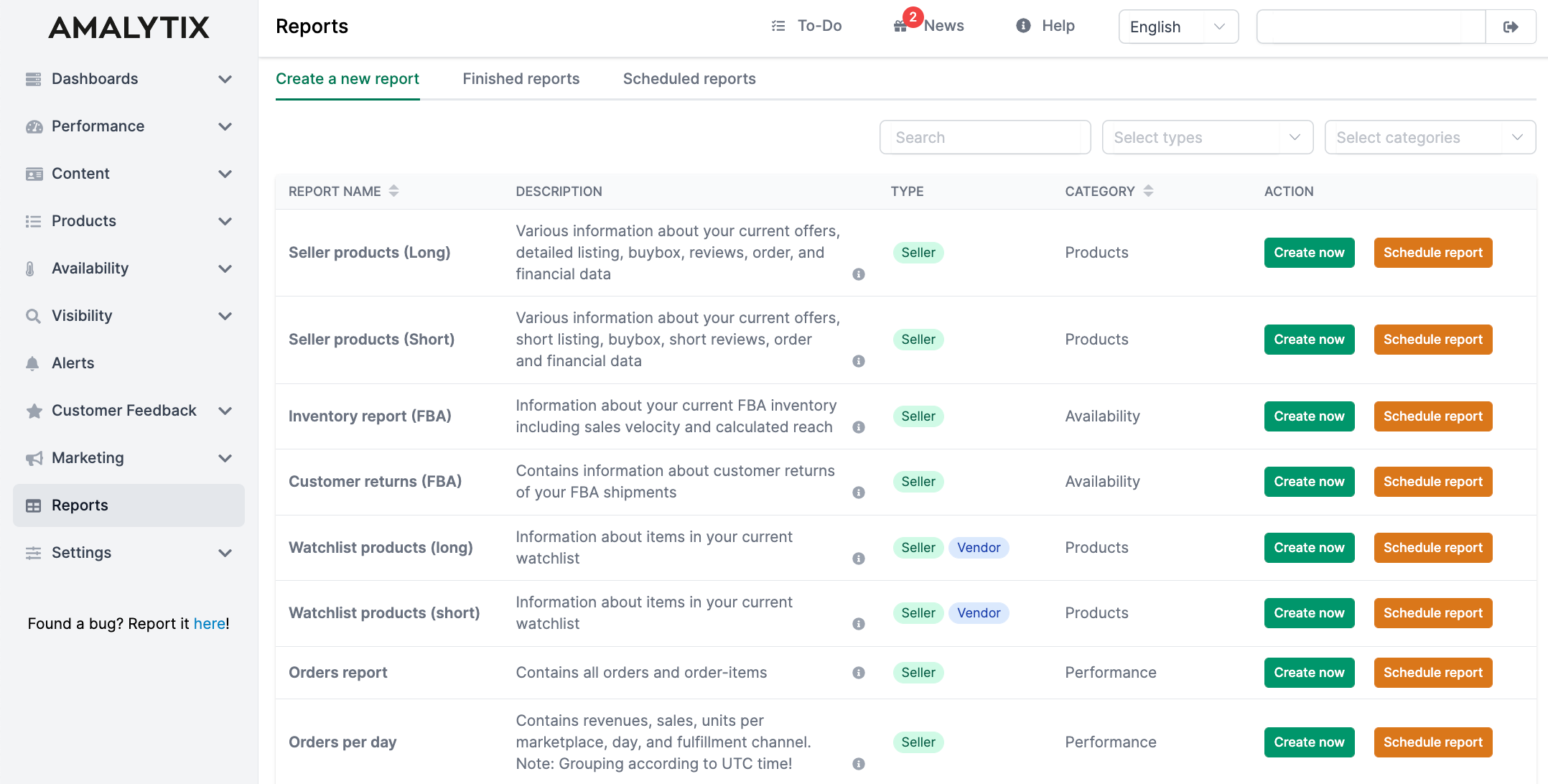
The Reports page is divided into three sections:
- Create a new report - Select a report type and generate it immediately or schedule it for later
- Finished reports - Download completed reports as CSV files
- Scheduled reports - Manage your recurring scheduled reports
You can filter reports by type (Seller/Vendor) and category (Products, Performance, Availability, etc.) to quickly find the report you need.
Reports are CSV files separated by commas. To import them into Excel, we recommend: Data -> From Text | Character Set: UTF-8 | Separator: Comma
You can customize the CSV separator in your profile settings.
Creating a Report
To create a report:
- Go to the Create a new report tab
- Find your desired report in the list (use filters or search)
- Click Create now
- Select marketplace and date range if prompted
- The report will be generated and appear in the Finished reports tab
Scheduling Reports
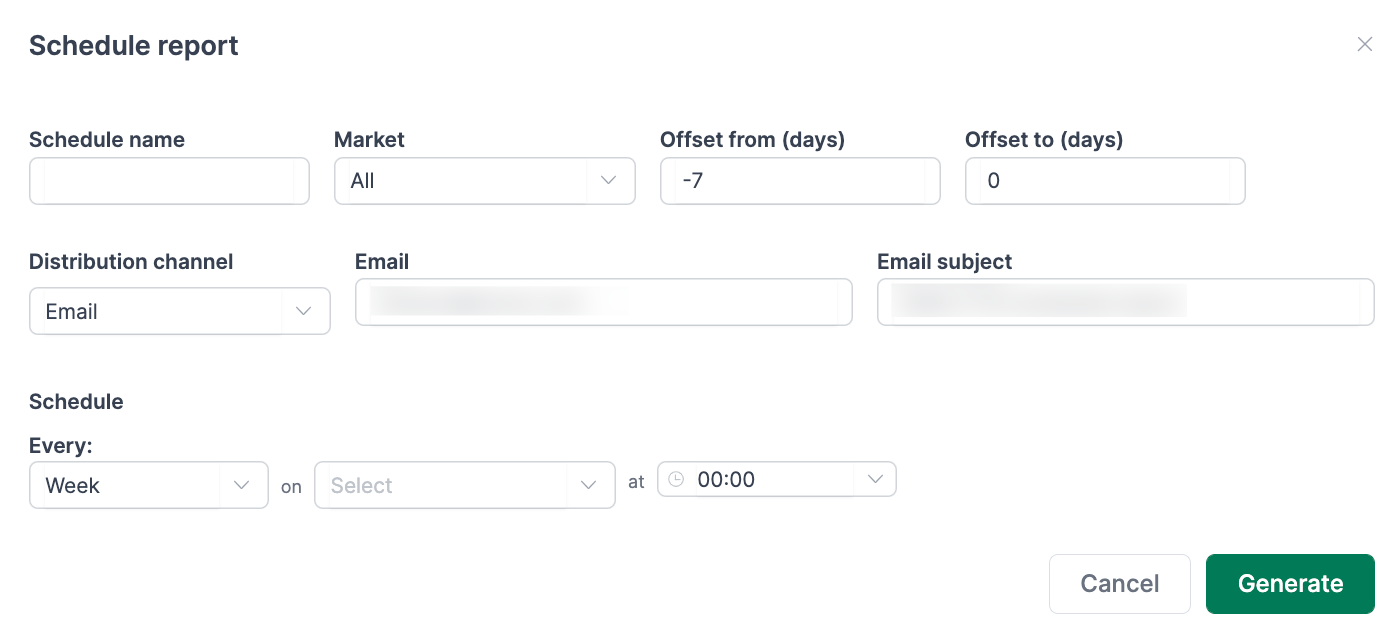
Click Schedule report to set up recurring reports (daily, weekly, or monthly).
Delivery Options
You can receive scheduled reports in three ways:
- AMALYTIX: Report is stored for download within AMALYTIX only
- Email: You or specified recipients receive the report via email
- FTP: Report is uploaded to your FTP server (supports FTP, FTPS, and SFTP)
Date Range Offset
For reports that cover a time period, you can set an offset to define a relative date range from the execution date.
Example: Set the offset to “-7” to “0” for the Orders report to always receive orders from the last 7 days.
Reports are generated in UTC time. Keep this in mind when scheduling execution times.