Profile
Under Settings > Profile, you manage your personal account data and security settings. Here you can change your name, update your password, and enable additional security features.
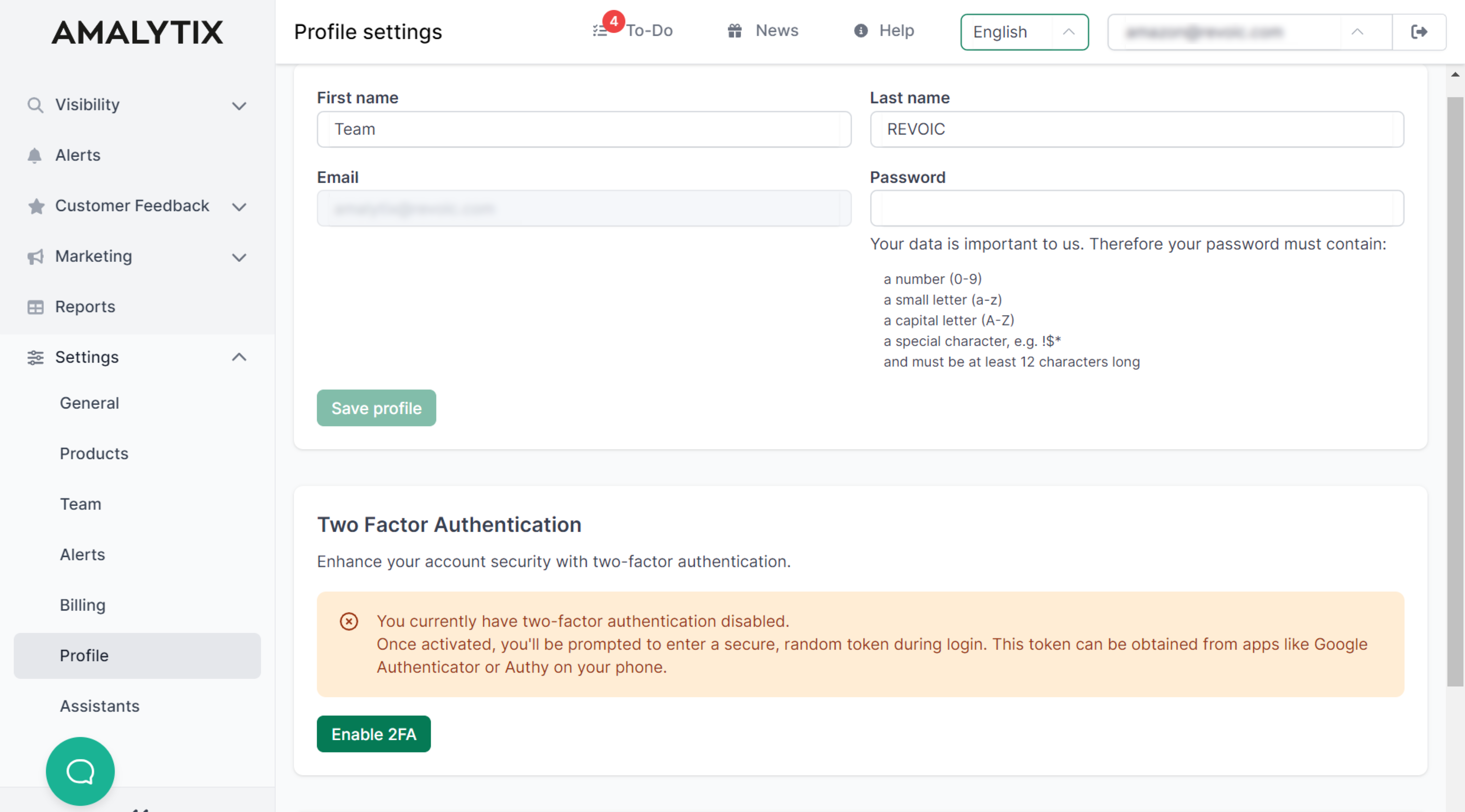
Available Settings
On the profile page, you can make the following adjustments:
- Change name - Update your first and last name
- Change password - Set a new password for your account
- Two-factor authentication - Enhance the security of your account
- Color scheme - Customize the display of badges to suit your needs
- CSV delimiter - Define the delimiter for CSV exports and imports
- CSV decimal separator - Define the decimal separator for CSV reports
Two-Factor Authentication (2FA)
Two-factor authentication provides additional protection for your AMALYTIX account. With 2FA enabled, you must enter a one-time code generated by an authenticator app on your smartphone in addition to your password each time you log in.
Benefits of two-factor authentication:
- Protection against unauthorized access, even if your password is compromised
- Enhanced security for sensitive business data
- Compliance with security requirements
Supported Authenticator Apps
AMALYTIX supports all common TOTP apps (Time-based One-Time Password):
| App | Apple App Store | Google Play Store |
|---|---|---|
| Google Authenticator | iOS App | Android App |
| Twilio Authy | iOS App | Android App |
Other compatible tools:
- Bitwarden - Password manager with integrated TOTP function
- 1Password - Password manager with integrated TOTP function
Change Color Scheme
AMALYTIX uses colored badges to visually represent the status of metrics (e.g., “Bad”, “Intermediate”, “Good”). The color scheme can be customized to meet individual needs.
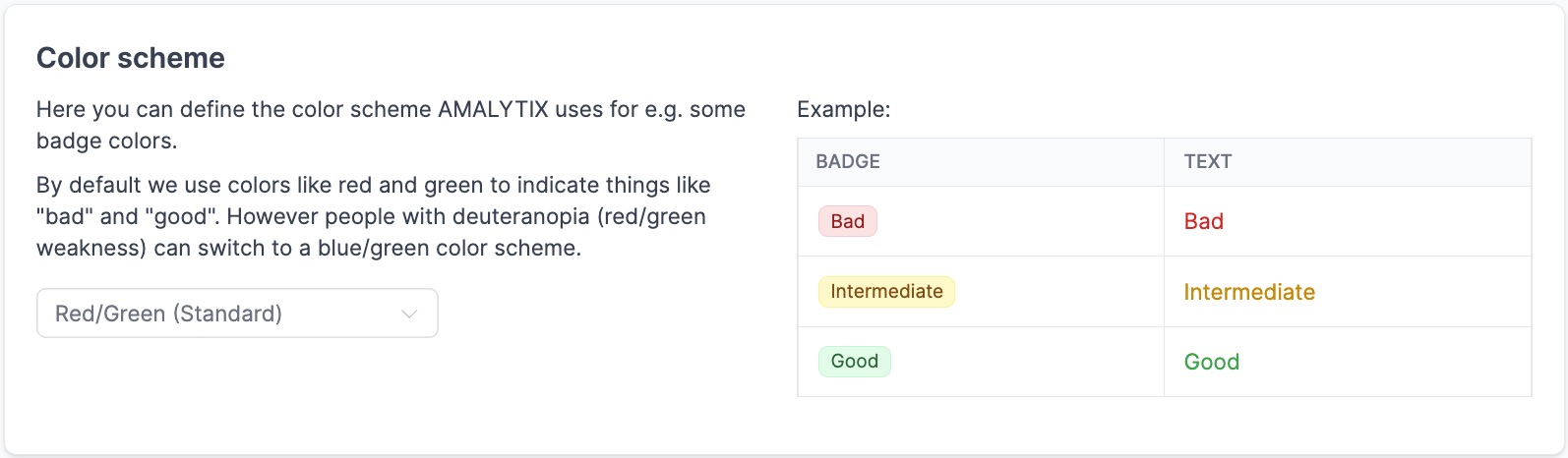
Available color schemes:
| Scheme | Description | Recommended for |
|---|---|---|
| Red/Green (Default) | Classic traffic light colors | Users without color vision deficiency |
| Blue/Green | Stronger contrasts | Users with red-green color blindness |
| Red/Green (High Contrast) | More intense colors | Dark screens, limited color perception |
Changing the color scheme affects all badges in AMALYTIX and enables better readability for different visual needs.
CSV Settings
Under CSV delimiter, you specify which delimiter should be used for exported and imported CSV files.
Default setting: Comma (,)
This setting is important when you want to open CSV files in different spreadsheet programs. For example, German versions of Excel often expect a semicolon as the delimiter.
Under CSV decimal separator, you specify which decimal separator should be used for numbers in CSV reports. This setting is particularly useful for US customers, as they can switch to the format they are accustomed to with the period as the decimal separator (e.g., 123.56 instead of 123,45).
Delete Profile
You can delete your own profile if you no longer wish to use AMALYTIX.
Related Topics
- General Settings - Account details and Amazon API connections
- Team Settings - Manage team members and permissions