Workflows
With Workflows, you can automate the updating of Amazon listings. This ensures that the live version of a product always matches the snapshot stored in AMALYTIX.
Learn more in our video on this topic:
How Do Workflows Work?
You define rules once that specify which products should be monitored and which fields should be kept in sync. AMALYTIX then checks daily for any deviations.
When a difference is detected — for example in titles, bullet points, keywords, or images — the workflow automatically updates the listing. The underlying update process is identical to the manual approach but no longer requires any manual intervention.
Creating a Workflow
Under Settings > Workflows, you can create a new workflow.
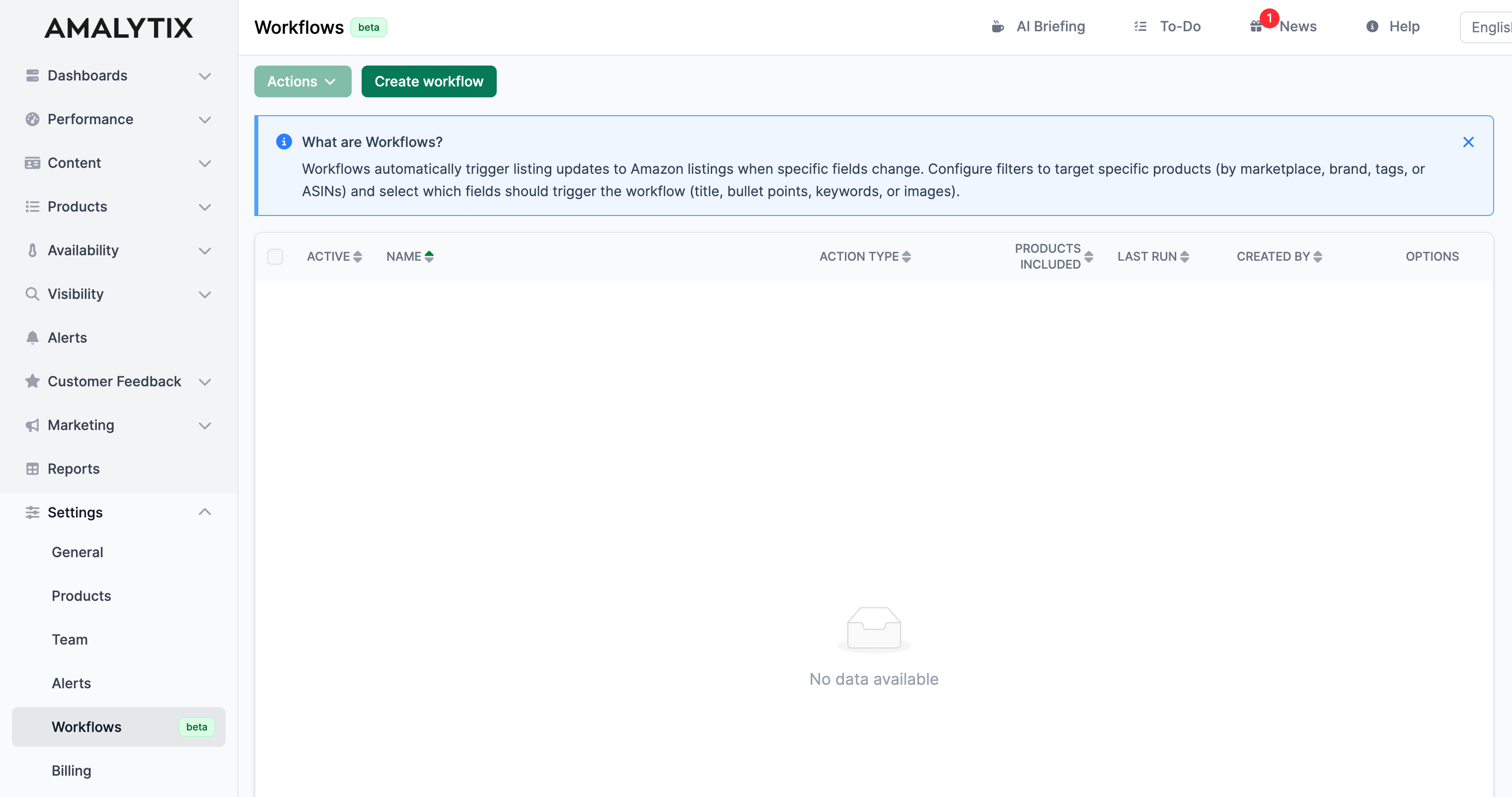
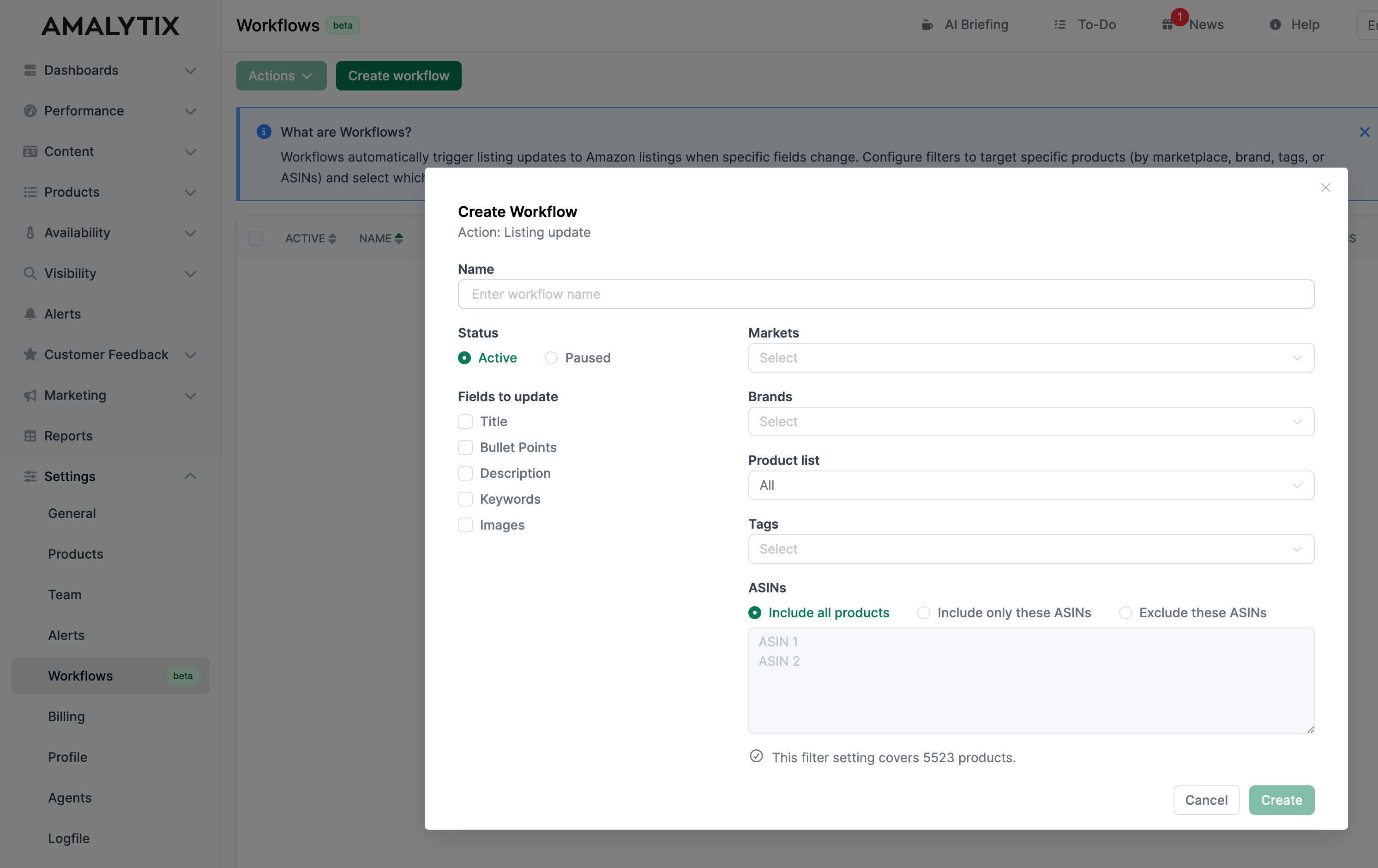
You define two main criteria:
- Which products are affected? The selection can be made using filters such as marketplace, brand, tags, or ASINs.
- Which fields should be kept in sync? Specify which deviations should trigger the workflow (e.g., changes to the title).
Once the workflow is active, AMALYTIX checks the relevant listings daily and consistently applies your rules.
Related Topics
- Content Optimization - Manage and optimize product listings
- General Settings - Account details and API connections